Litigation documents, prepared on Windows
Court books
without the busywork.
Sudex assembles, numbers, links and checks litigation documents in one focused workspace — on your own computer, with nothing uploaded, and every page verified before it is handed up.
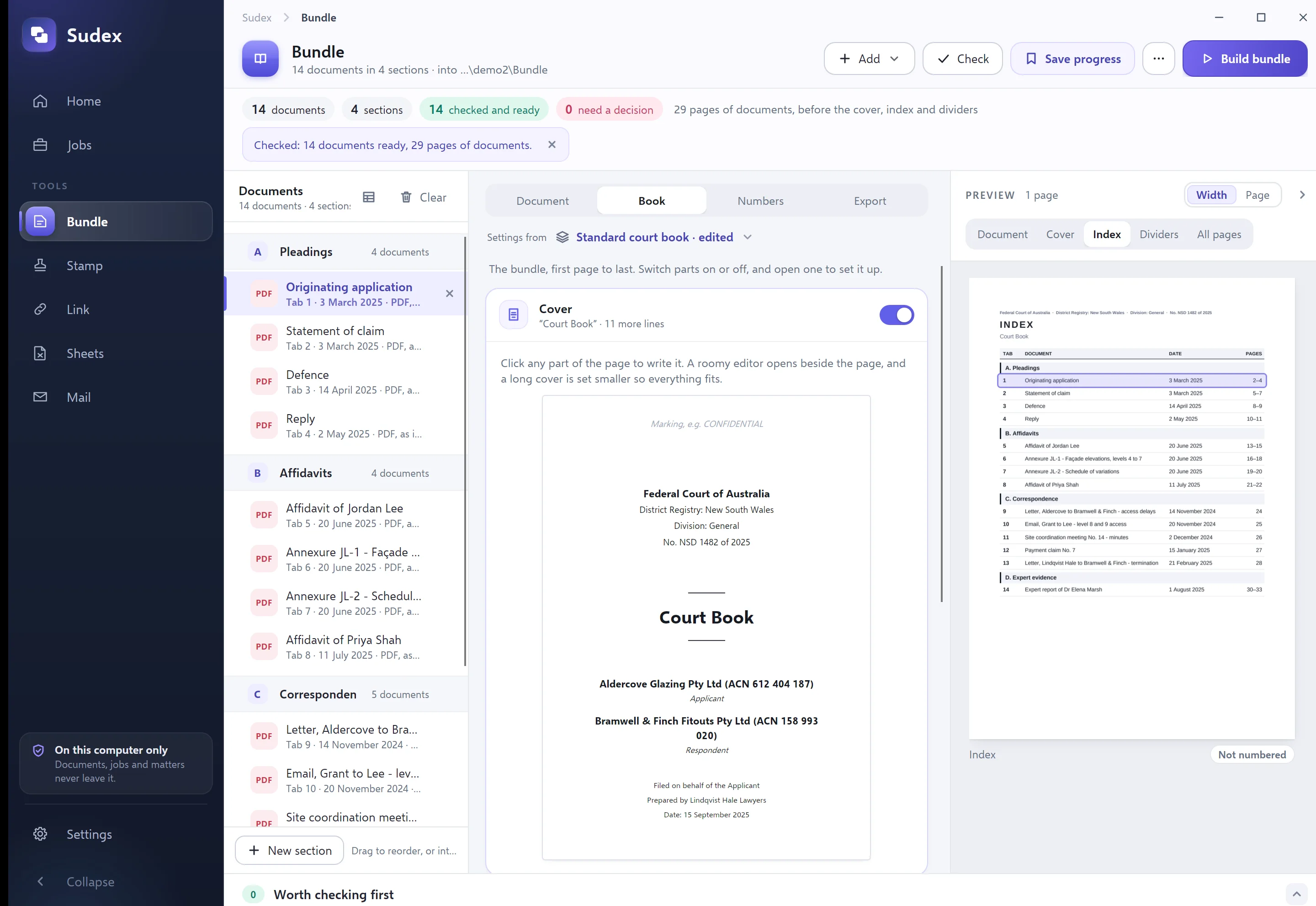
- documents in four sections
- 14
- pages, as planned
- 49
- page numbers read back
- 47
- bookmarks checked
- 20
- index links followed
- 14
- originals unchanged
- 14/14
The book, page by page
A court book you would be proud to hand up.
Built by Sudex from fourteen filed documents in 1.6 seconds, then opened again and checked. Scroll through it.
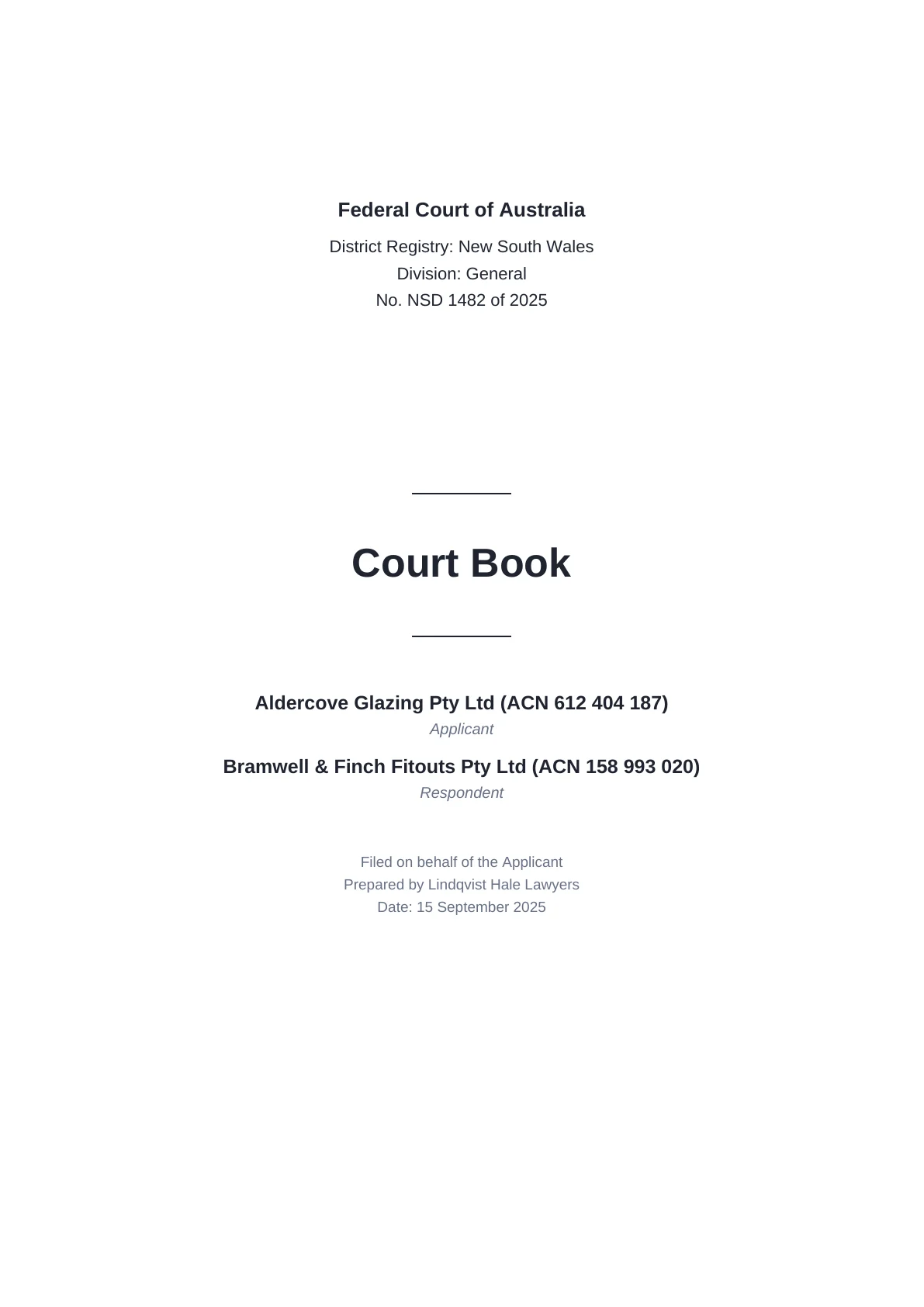
Cover
Court, parties and filing details, set the way a registry expects.
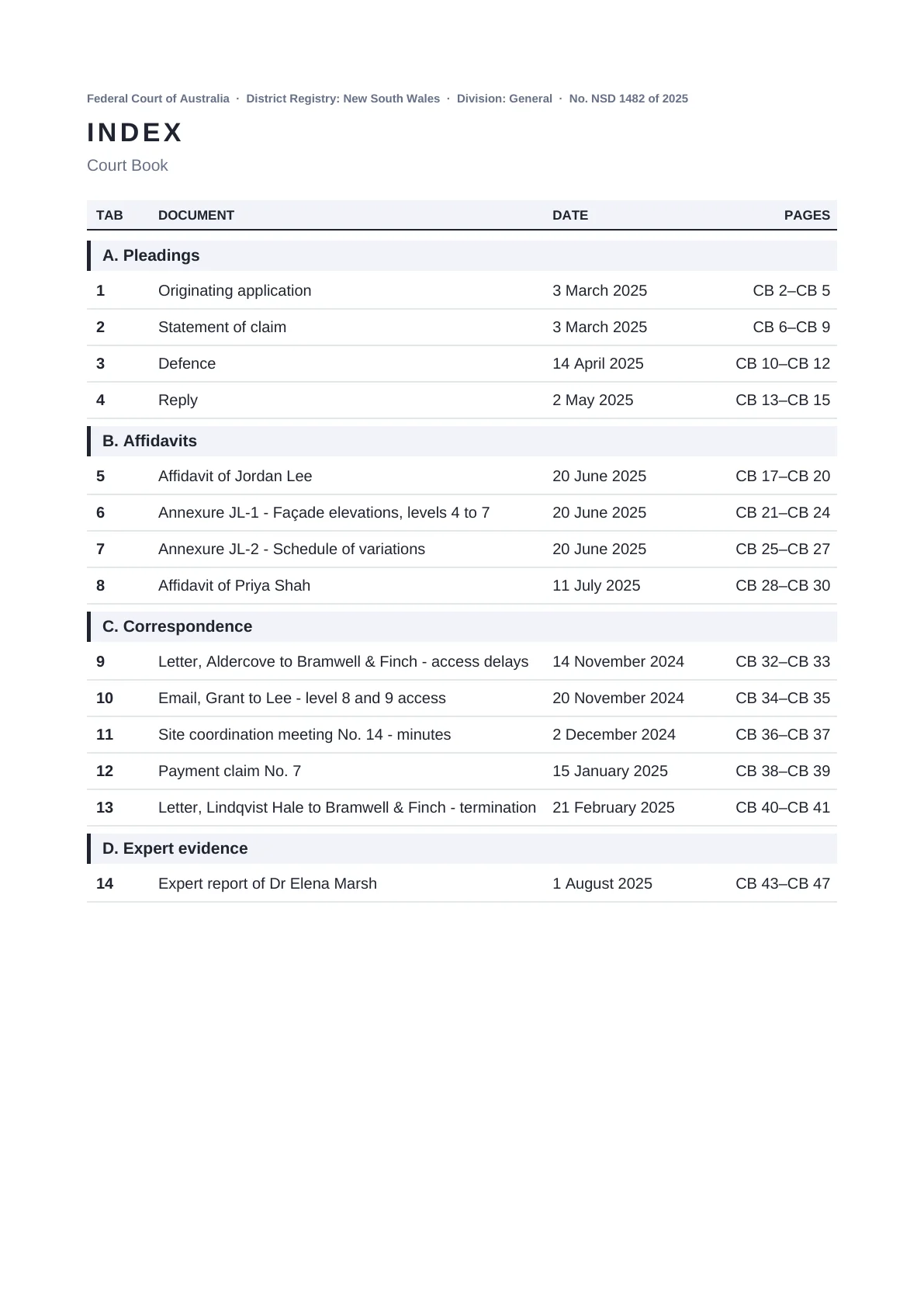
CB 2
The index. Every entry is a link to its tab, with the page range.

CB 3
A divider for each section.
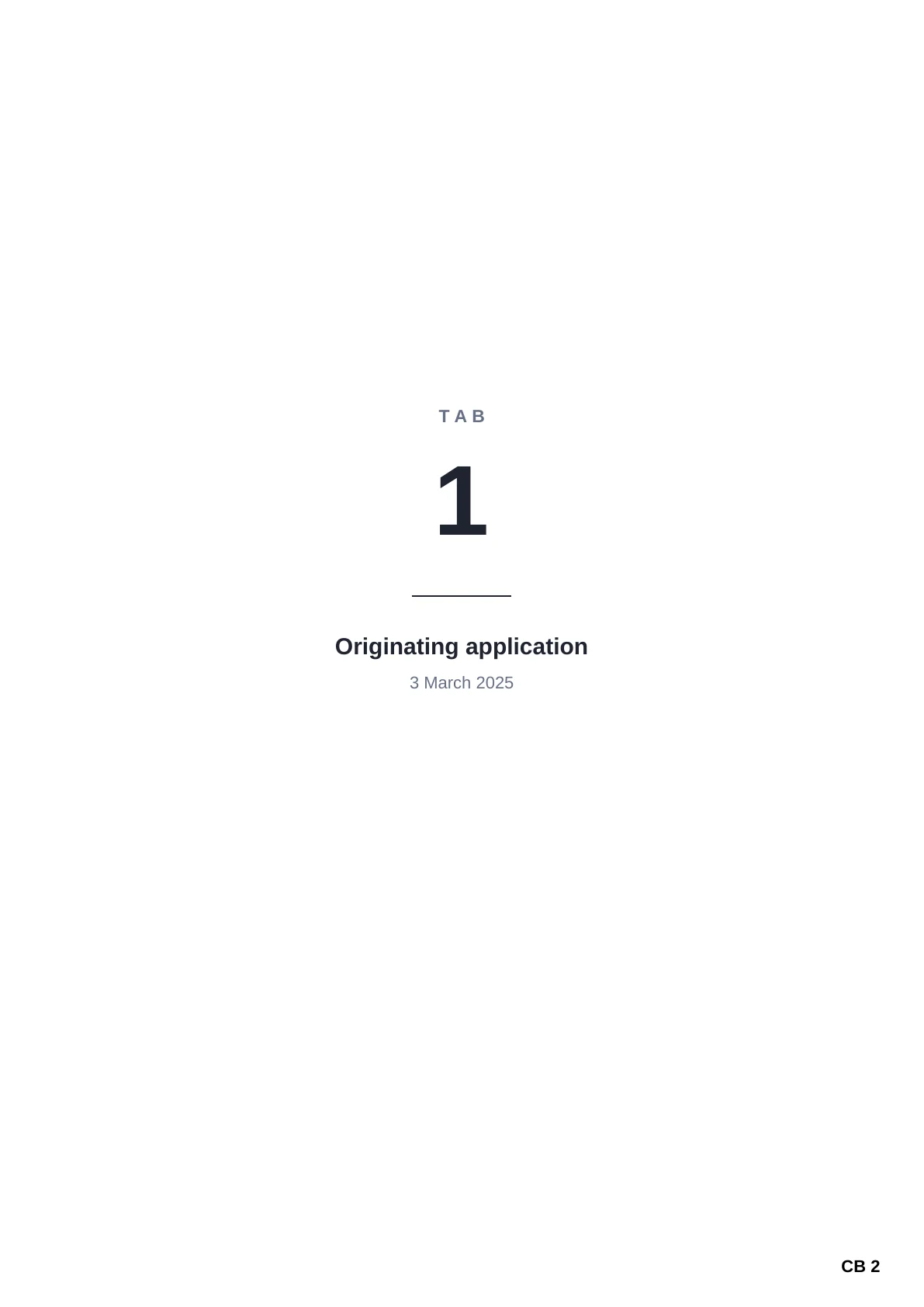
CB 4
And one for each tab, if you want them.
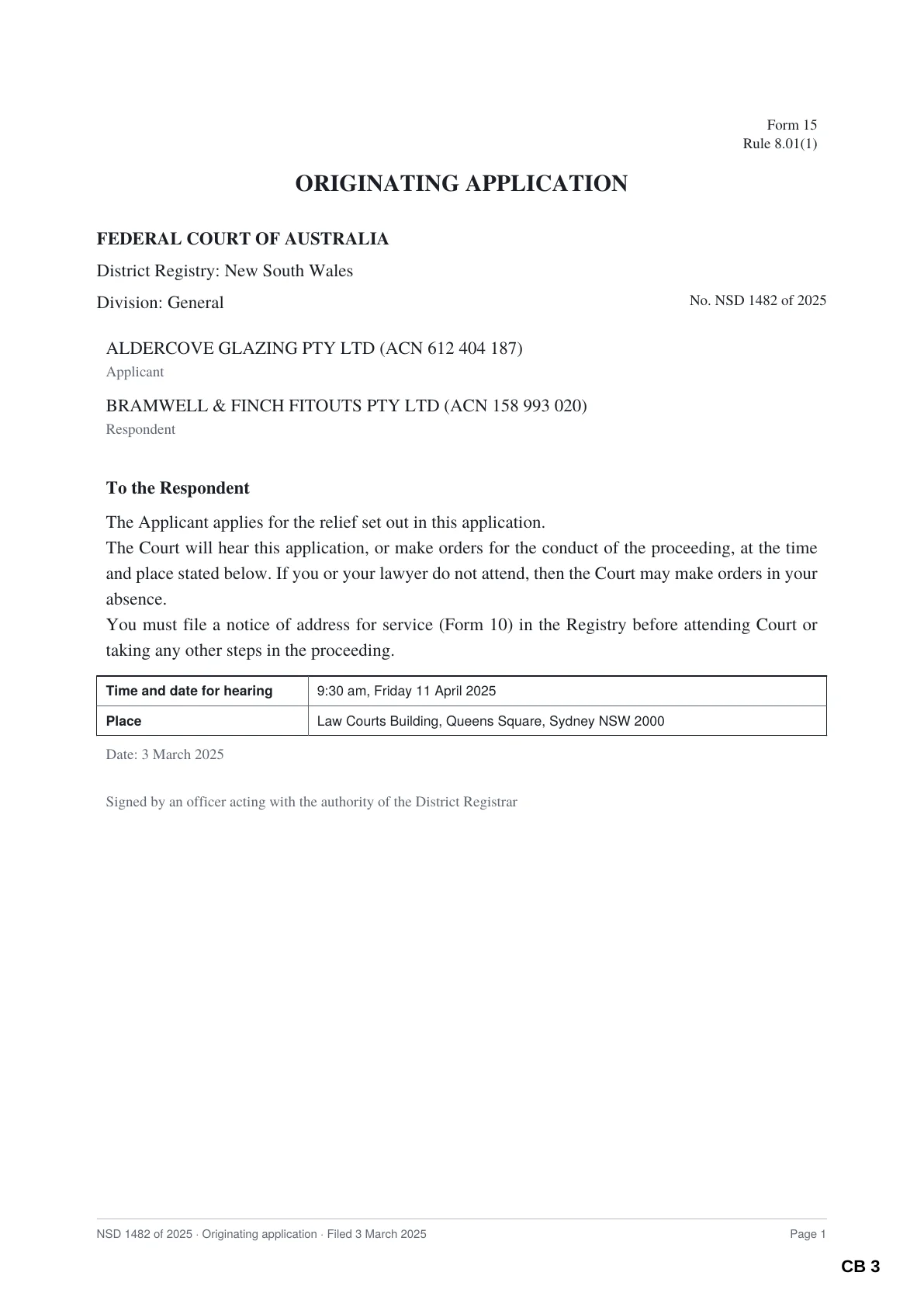
CB 5
Documents go in exactly as filed, numbered in the corner.
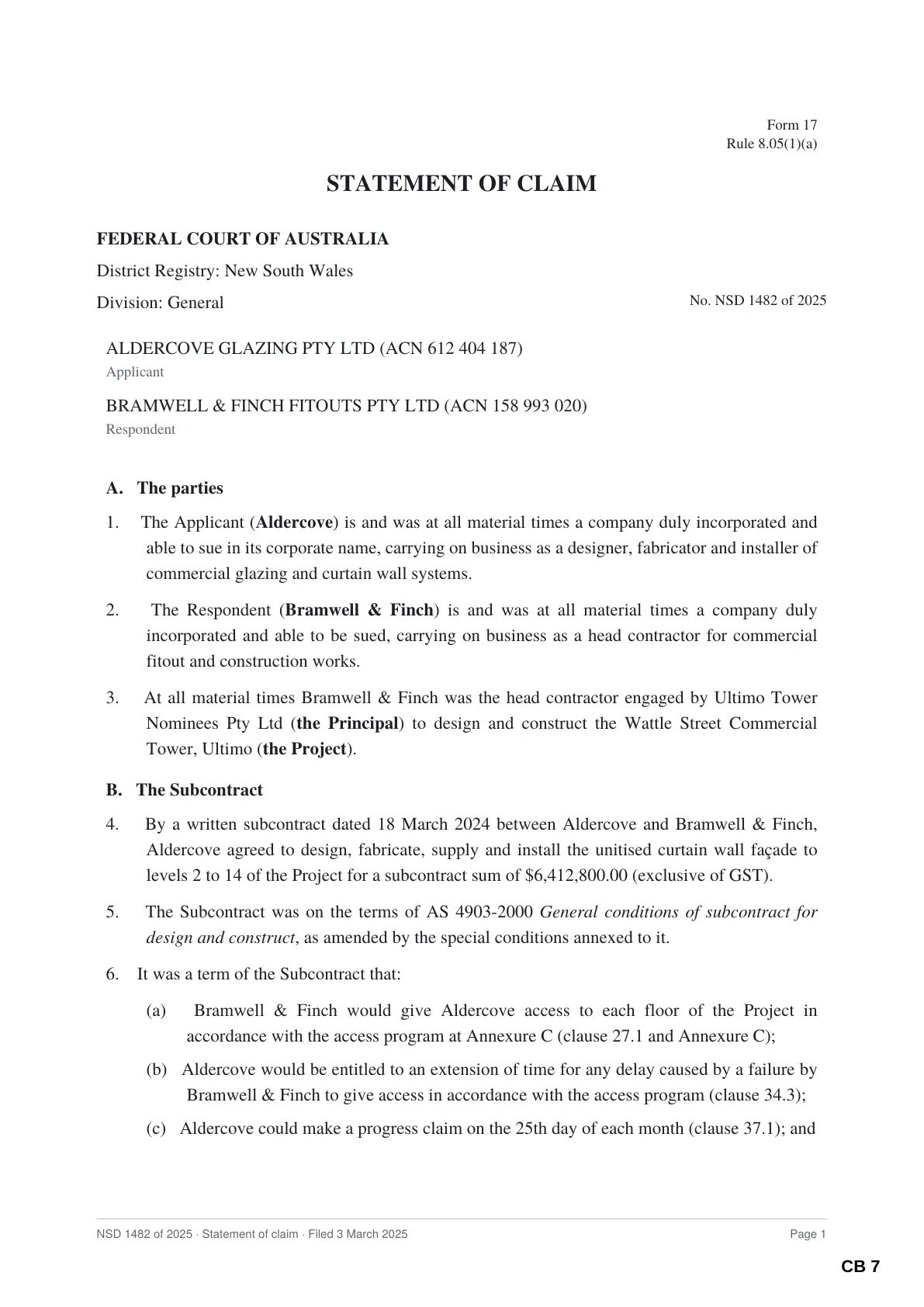
CB 9
Page numbers never sit on text: they are read back to prove it.
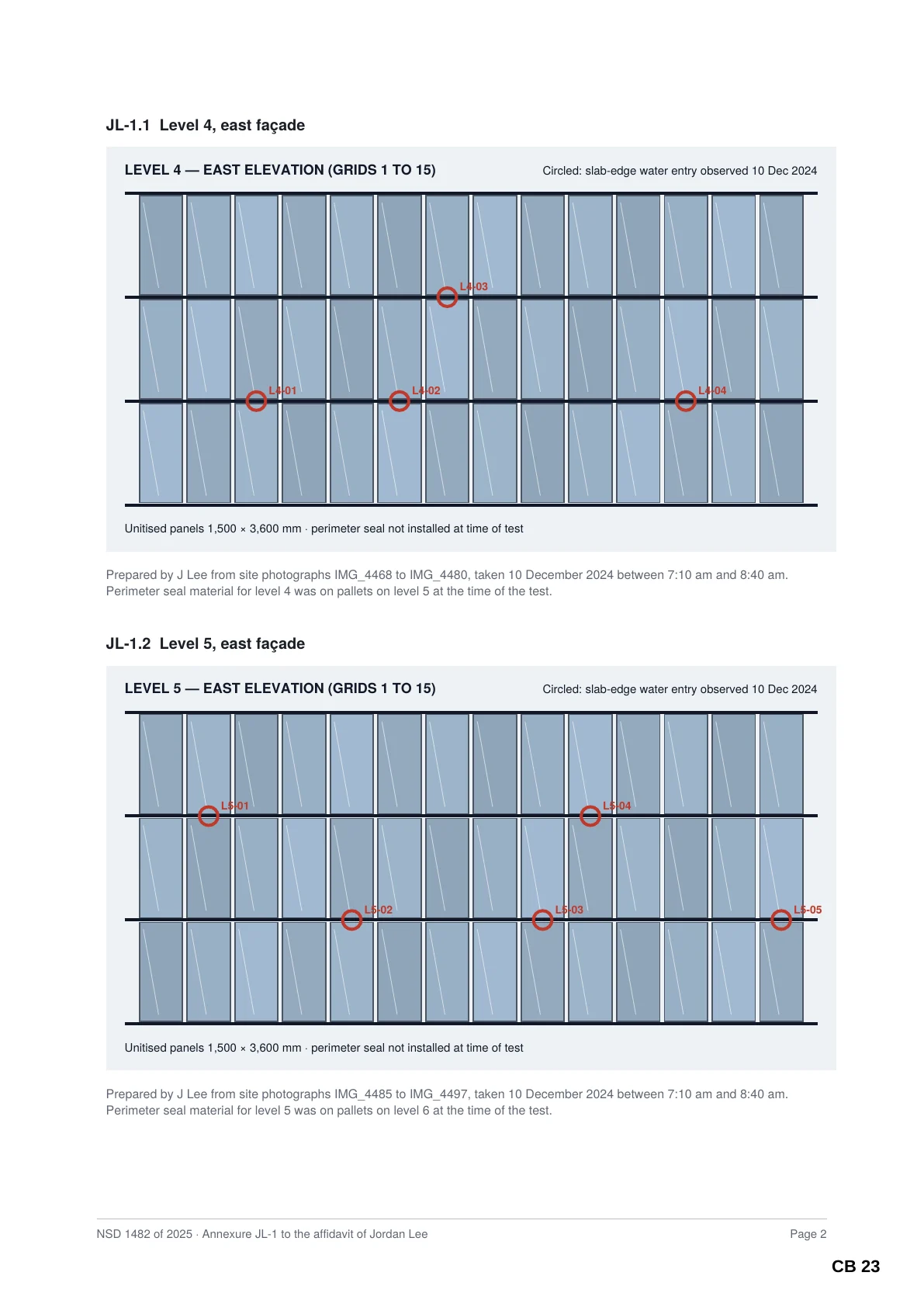
CB 23
Drawings and annexures keep their size and orientation.
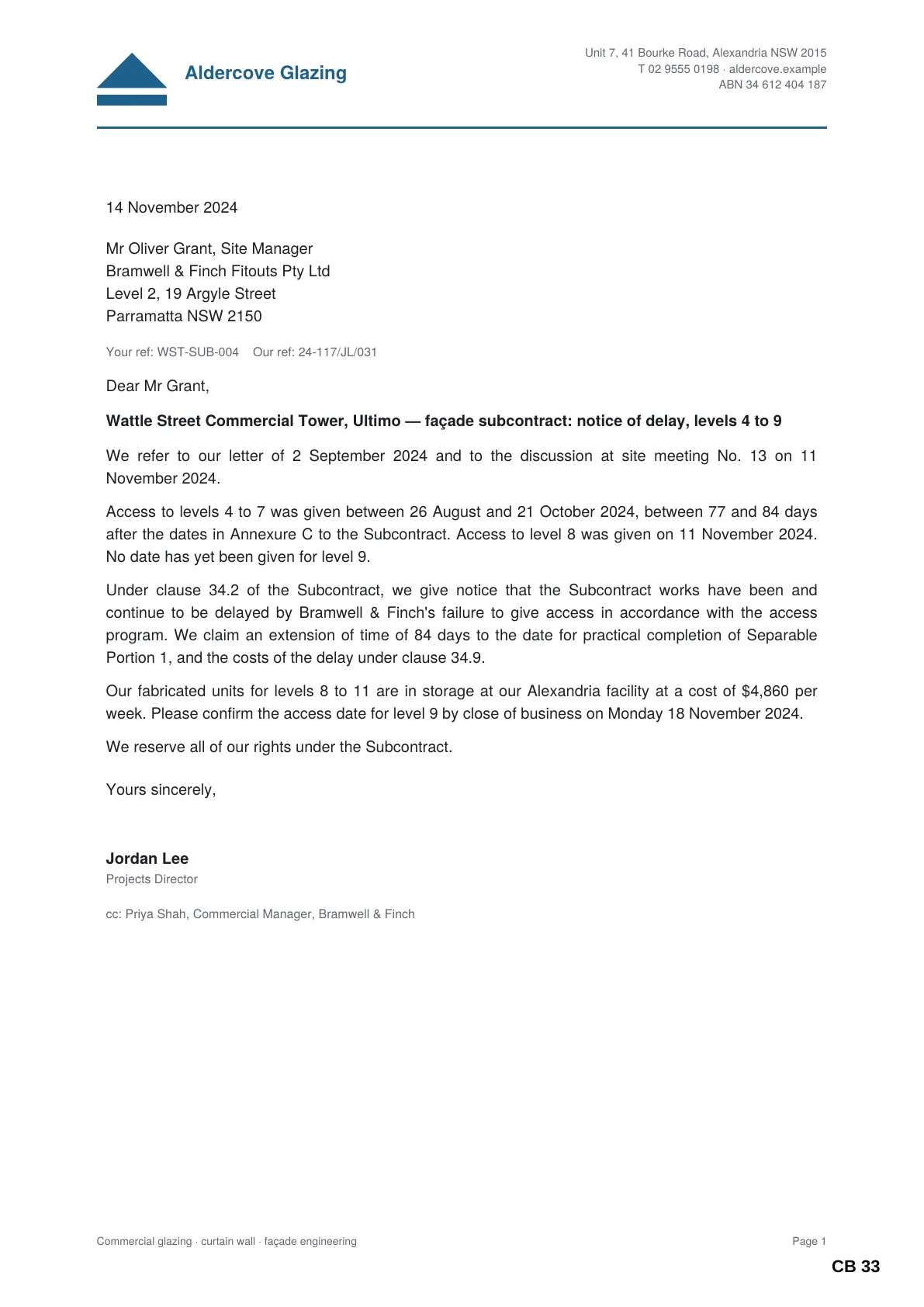
CB 33
Correspondence, in date order within its section.
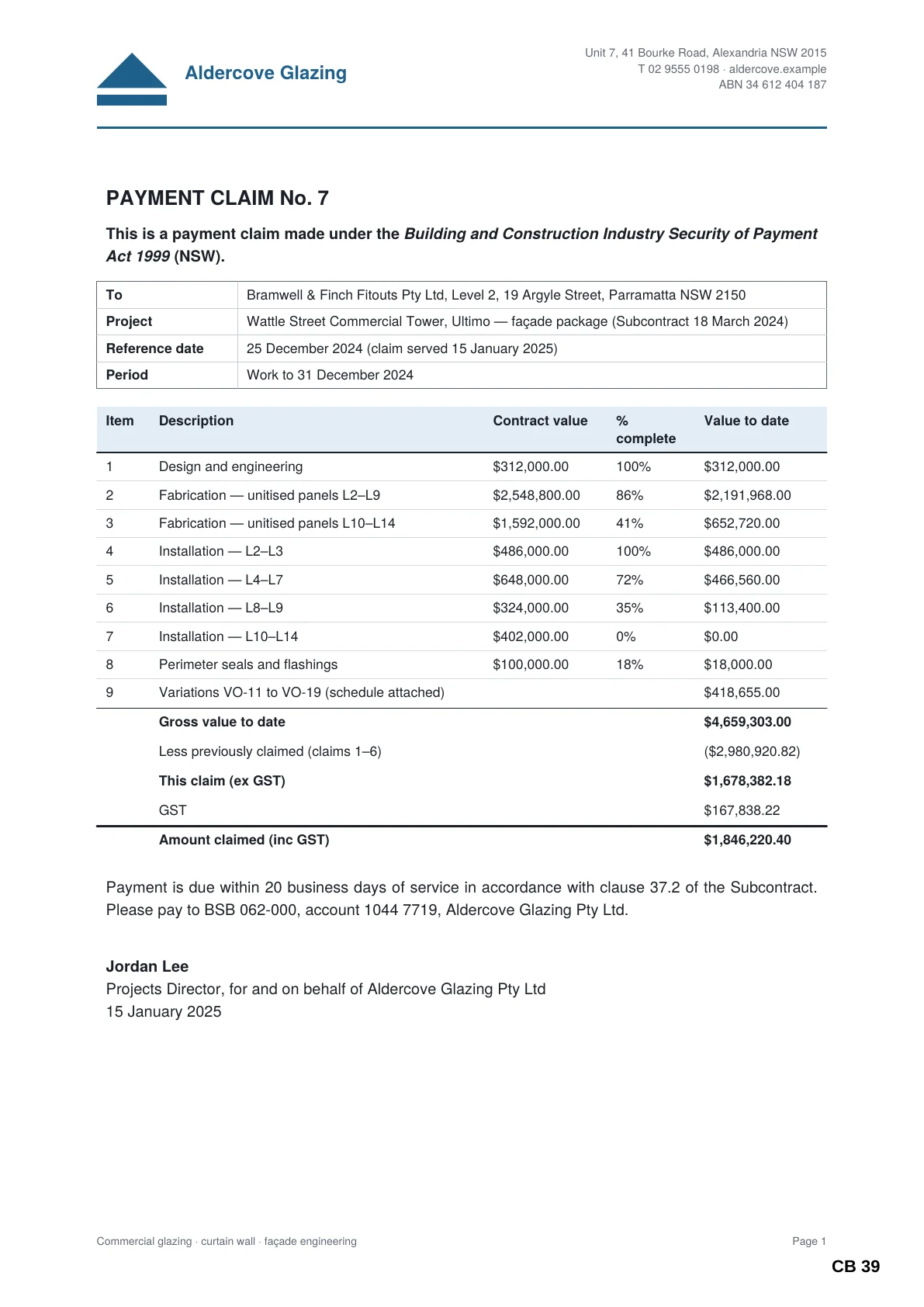
CB 39
Schedules and tables stay legible.
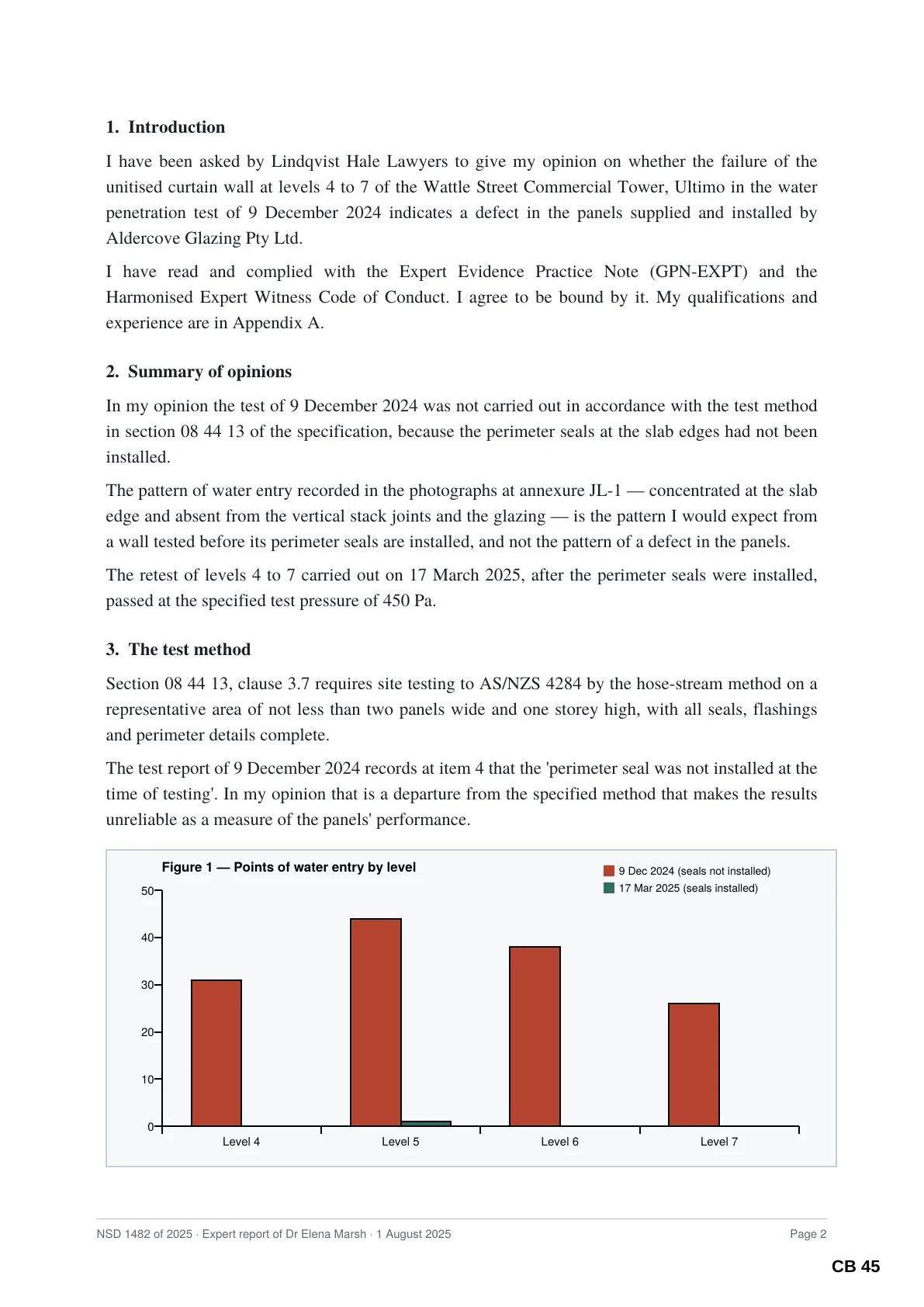
CB 45
Expert reports, figures and all.
Five tools, one workspace
Everything around the hearing bundle.
Each tool does one job thoroughly. They share your matters, your saved jobs, your templates and the same insistence on checking their own work.
Bundle
Court books and tender bundles, built and checked.
Add a folder, or an index in Excel, Word or CSV. Sudex sets out the sections and tabs, converts Word, Excel, email and pictures on the way in, and shows you every page before it builds.

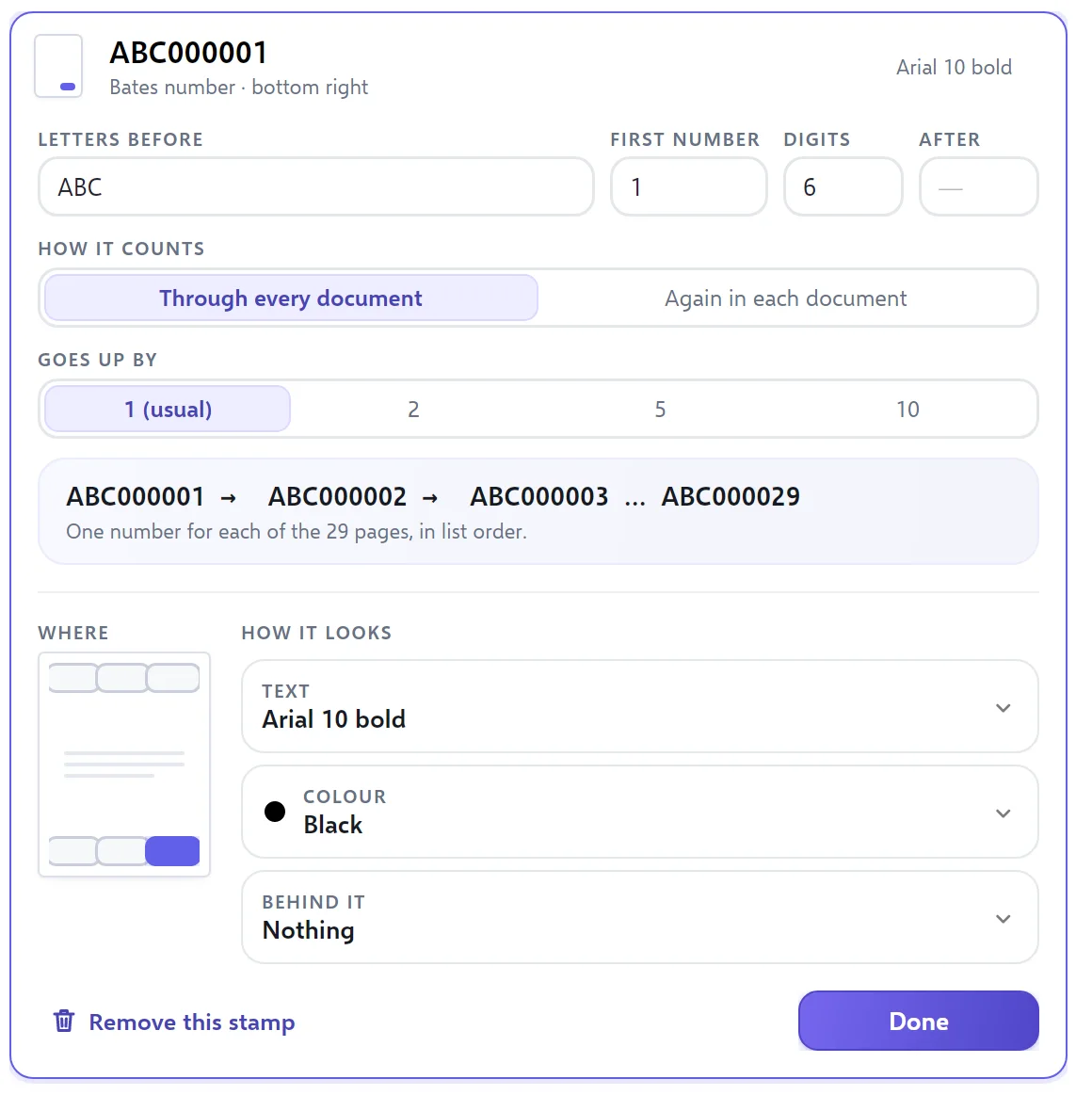
Stamp
Bates numbers and stamps, set up in plain words.
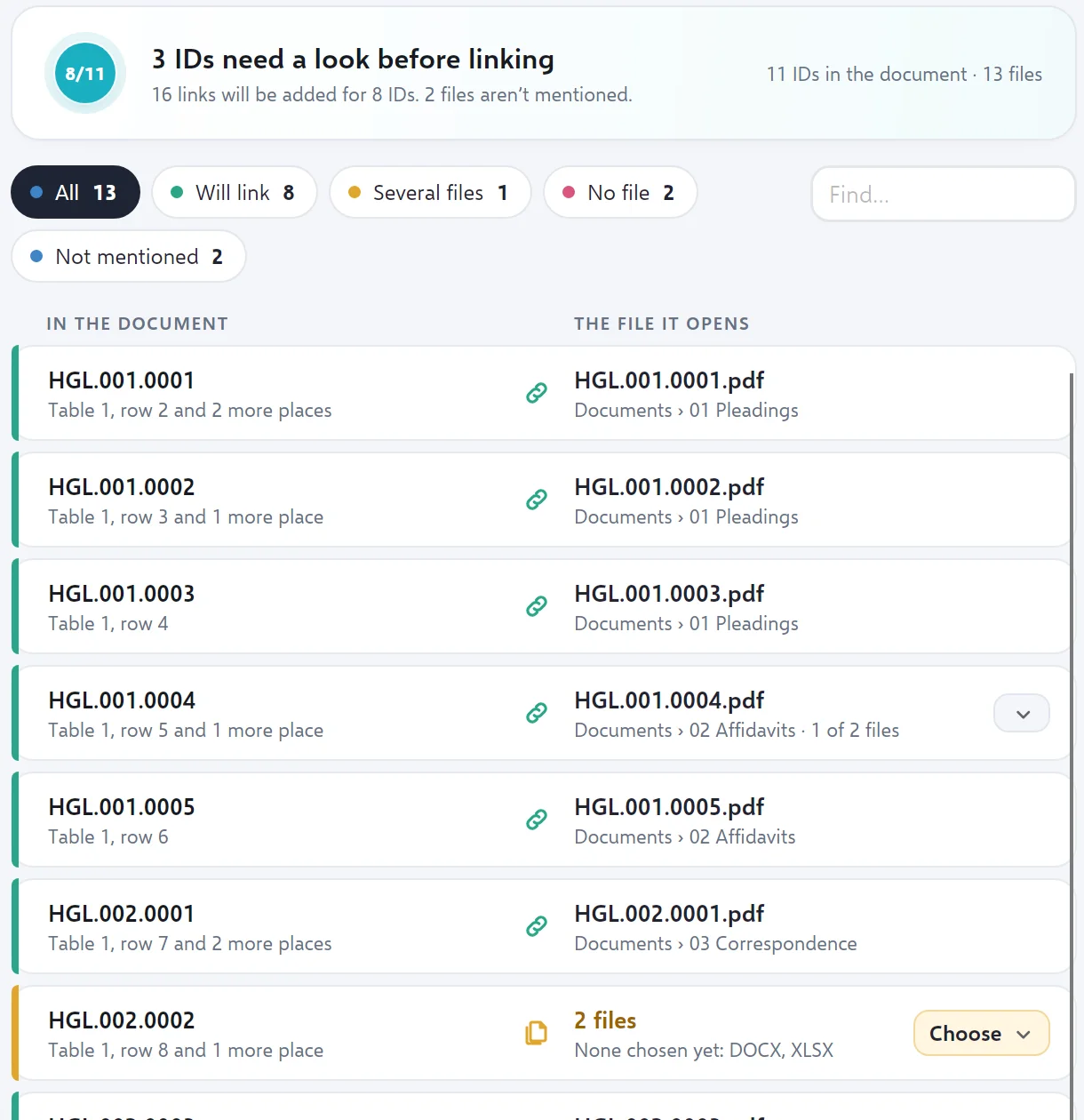
Link
Every document ID in an index becomes a working link.
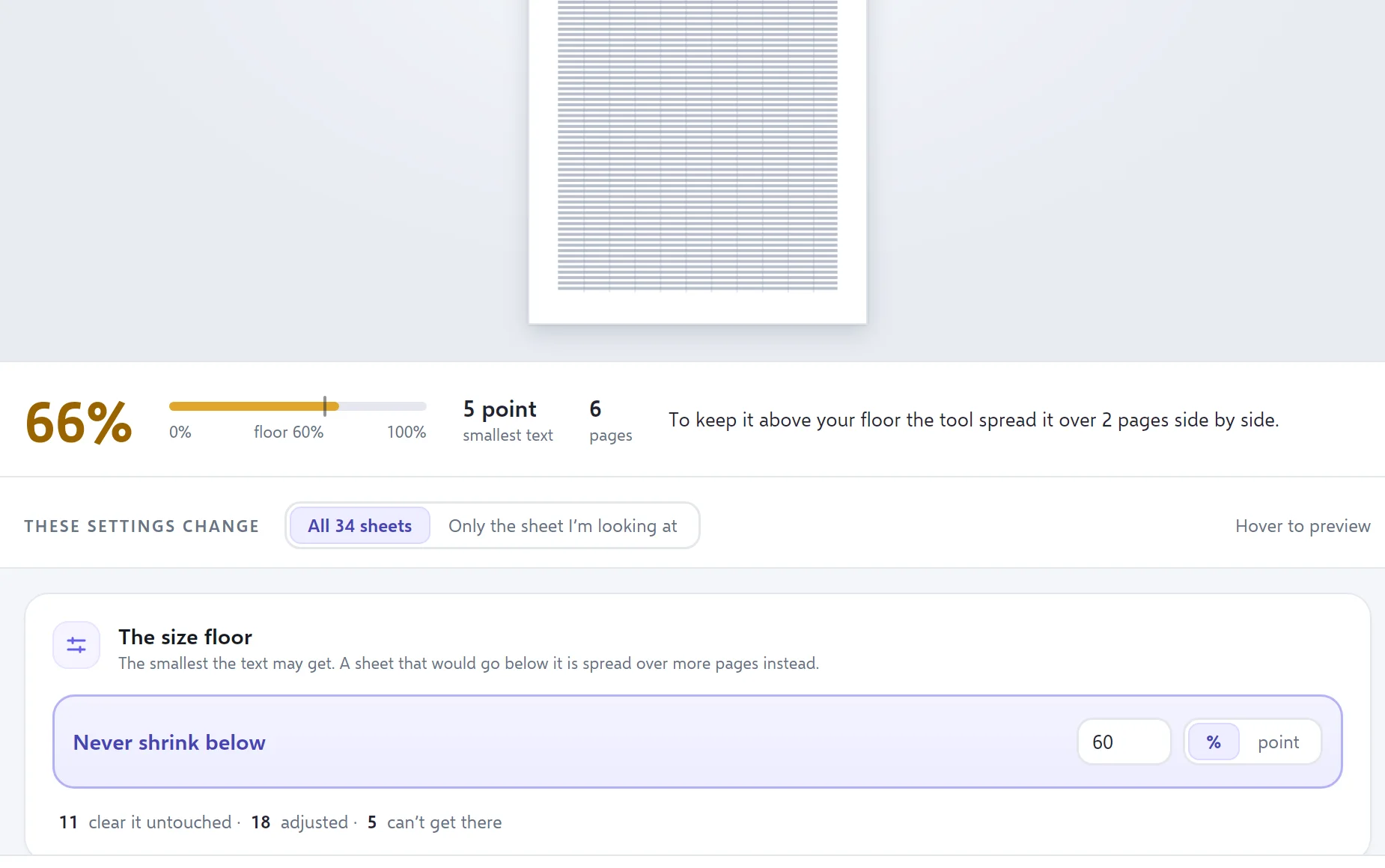
Sheets
Spreadsheets that print legibly.
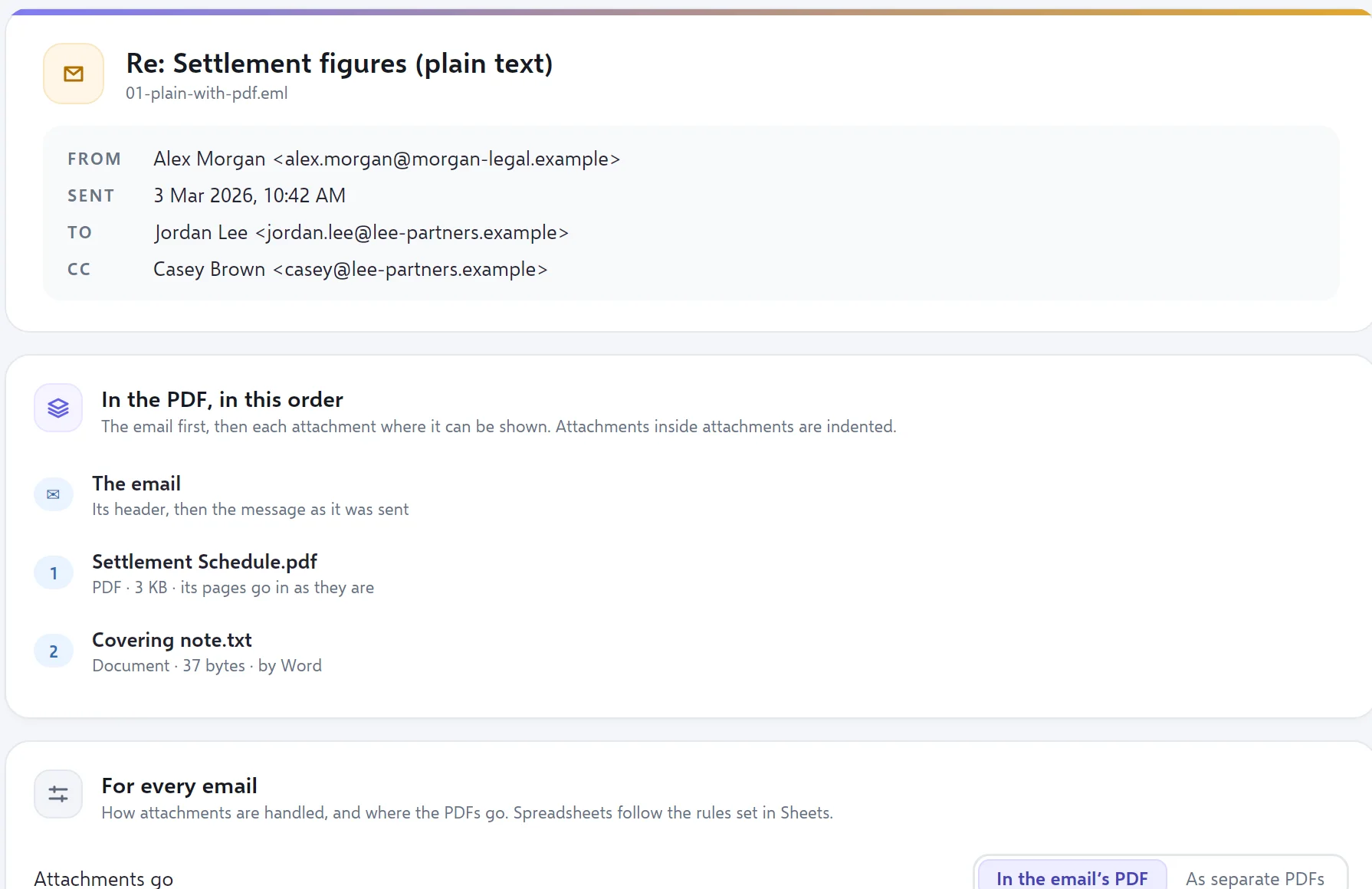
Emails and their attachments, in order, in one PDF.
Verified, not assumed
It checks its own work. Every time.
When Sudex finishes, it opens what it made and checks it — every page number read back from its page, every bookmark and index link followed, every original fingerprinted before and after. Then it tells you, in plain words.
Result: PASSED every check. Every document accounted for ✓ 14 in the list = 14 included + 0 as placeholders + 0 left out. ✓ Originals unchanged afterwards: 14 of 14. Checked in the written PDF ✓ 49 pages, as planned. ✓ 47 page numbers read back from the pages, each in its place and inside the page. ✓ 20 bookmarks, each going to the right page. ✓ 14 index links, each going to where its document starts.Security
Your documents never leave the building.
Sudex is a program on your computer, not a website you upload to. It opens files from your folders and your firm’s drives with the permissions you already have.
Does Sudex upload my documents?
No. Everything Sudex does to your documents happens on your computer. Their contents, names, the text in them and the matters they belong to are never sent anywhere.
What do I need to run it?
A Windows 11 PC. To convert Word documents and spreadsheets Sudex uses the desktop Word and Excel you already have; PDFs, emails and pictures need nothing else.
Will it change my original files?
Never. Sudex only reads your files and writes new ones. After each job it confirms the originals are byte-for-byte unchanged.
Does it know my court’s rules?
Sudex does not assume any court’s practice. You set the cover wording, index columns, numbering and stamps once, keep them as a template, and use them again on the next matter.
Does it work without an internet connection?
The work itself never needs the internet. Once subscriptions begin, Sudex will check about once a month that yours is active, and keep working for two weeks if it cannot.
Hand up a better book.
Sudex is opening to a small number of litigators, clerks and paralegals first. Tell us about your practice.